Mods are one of the main reasons players choose Java Edition, and pojavlauncher brings that entire ecosystem to mobile devices. Fabric, Forge, NeoForge, Quilt and OptiFine all run on Android, and the same mod files that work on a desktop computer work here too. This guide explains the differences between the loaders, how to install each one in pojavlauncher, how to add mods safely and which mods make the biggest difference on mobile hardware.
Choosing a Mod Loader
A mod loader is the foundation that allows mods to hook into the game. Each mod is built for a specific loader and game version, so the loader you choose determines which mods you can use.
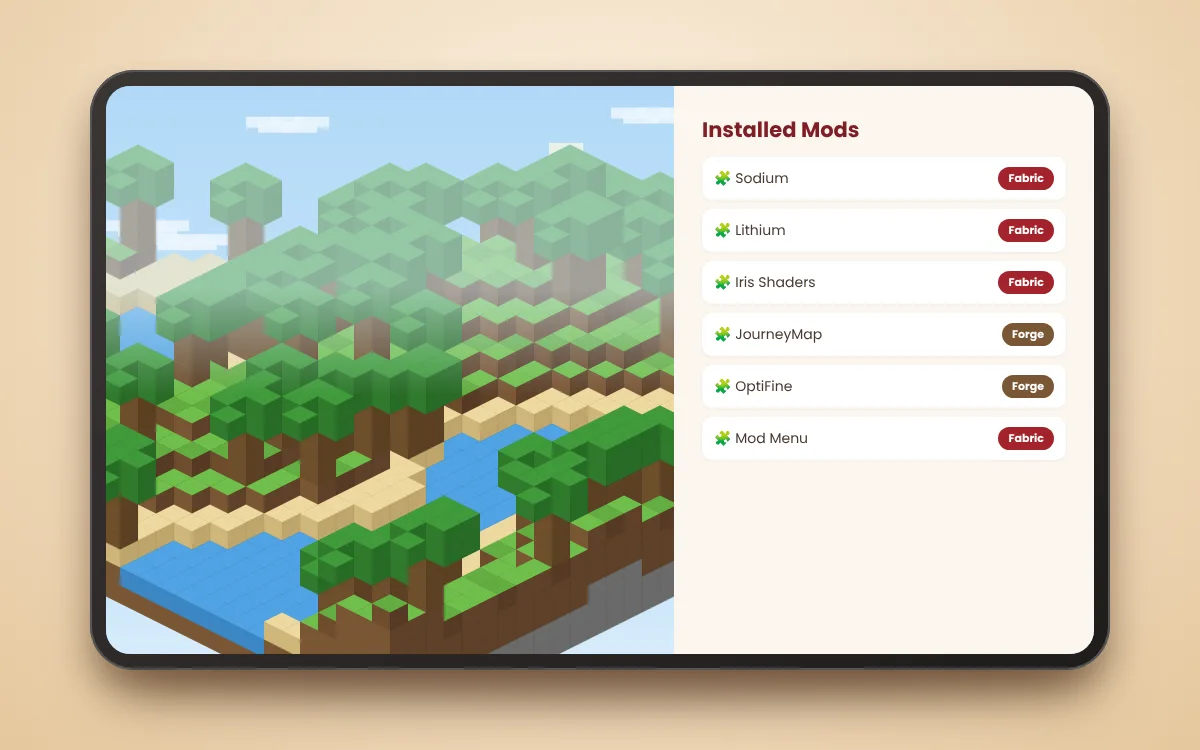
- Fabric is lightweight, starts quickly and updates promptly for new releases. It is home to the most important performance mods, such as Sodium and Lithium, which makes it the natural choice for mobile players.
- Forge is the long-established loader behind many large content mods and classic modpacks, particularly on 1.7.10, 1.12.2 and 1.16.5. It uses more memory and starts more slowly.
- NeoForge continues Forge development for recent versions and is increasingly used by modern content mods.
- Quilt builds on Fabric and runs most Fabric mods, adding its own extensions.
- OptiFine is a standalone performance and shader mod, popular on older versions such as 1.8.9 and 1.12.2.
For most mobile players on modern versions, Fabric with performance mods is the best starting point.
Installing Fabric
- Open pojavlauncher and choose the option to install a mod loader or create a new profile.
- Select Fabric and choose the game version you want.
- The launcher downloads the Fabric loader and creates a new version entry, such as fabric-loader-0.15-1.20.1.
- Create or edit a profile to use this new version, and set a suitable renderer.
- Launch the profile once without mods to generate the mods folder.
Many mods also require the Fabric API, a library mod. Download the version that matches your game version and place it in the mods folder with your other mods.
Installing Forge or NeoForge
Forge provides an installer that runs as a Java program. pojavlauncher can run this installer for you.
- Download the Forge installer for your game version from the official Forge website. NeoForge offers its installer on its own official site.
- In pojavlauncher, choose the option to run a .jar file, often labelled as installing a mod or executing a jar.
- Select the installer and choose Install client in the window that appears.
- Wait for the installation to finish. A new Forge version appears in the version list.
- Create a profile with that version and launch it once.
Forge installation can take several minutes on a phone, particularly for recent versions. Keep the screen awake and the device connected to Wi-Fi throughout.
Installing Quilt
Quilt follows a process similar to Fabric. Use the launcher's mod loader installation option if Quilt is listed, or run the Quilt installer .jar in the same way as Forge. Remember that Quilt requires the Quilted Fabric API or the standard Fabric API, depending on the mods you use.
Installing OptiFine
OptiFine is distributed as a .jar installer. On older versions you can run it like the Forge installer to create an OptiFine version. Alternatively, place the OptiFine .jar in the mods folder of a matching Forge profile. On modern versions, Sodium with Iris usually performs better on mobile and offers wider shader compatibility.
Adding Mods to Your Profile
Mods are .jar files that go into the mods folder of your game directory. pojavlauncher provides access to this folder through its file options, or you can use Android's file manager.
- Download mods from reputable sources such as Modrinth or CurseForge.
- Check that each mod matches your loader and game version exactly.
- Copy the .jar files into the mods folder.
- Launch the profile and confirm that the mods appear in the mod list.
Recent pojavlauncher builds can also import Modrinth and CurseForge modpacks locally, which saves gathering dozens of files by hand.
The Best Performance Mods for Mobile
| Mod | Loader | What it improves |
|---|---|---|
| Sodium | Fabric (NeoForge port available) | Rendering performance, often doubling frame rate |
| Lithium | Fabric | Game logic, mob AI and tick performance |
| FerriteCore | Fabric, Forge | Memory usage |
| ModernFix | Fabric, Forge | Loading times and memory in modpacks |
| EntityCulling | Fabric, Forge | Skips rendering of hidden entities |
| ImmediatelyFast | Fabric, Forge | Text, HUD and entity rendering |
| Iris | Fabric | Shader pack support alongside Sodium |
Sodium, Lithium and FerriteCore together form a strong baseline for almost any device. Pair them with a suitable renderer for the best results; our guide to the best pojavlauncher renderer explains which renderers work well with Sodium.
Shaders on Mobile
Shader packs are demanding even on desktop computers, so expectations should be realistic. Lightweight packs designed for low-end hardware can run on flagship phones using Iris with Sodium and a modern renderer such as MobileGlues or LTW. Lower render distance to 6 chunks or below and cap the frame rate to limit heat.
Memory Planning for Modded Play
Each content mod increases memory use, and large modpacks can easily exceed what a phone can provide. Before installing a modpack, check its recommended memory and compare it with our allocation table in the guide to pojavlauncher RAM allocation. As a general rule, modpacks with more than 100 mods are best reserved for devices with 8 GB of RAM or more.
Troubleshooting Mod Problems
- Game crashes on launch: check for mismatched versions. A mod built for 1.20.4 will not run on 1.20.1.
- "Missing dependency" message: install the library mod named in the message, such as Fabric API or Architectury.
- Black screen with mods only: some rendering mods need a renderer with higher OpenGL support. Switch to LTW or MobileGlues.
- Mods that need native libraries: a few mods include desktop-only native code and cannot run on ARM devices. The crash log usually names the mod.
When a crash occurs, remove half the mods and test again, repeating until the problematic mod is found. This halving approach is far quicker than removing mods one at a time.
Keeping Mods Updated
Update mods together rather than individually, and back up your world before major updates. Mods that change world generation can alter existing worlds irreversibly. For performance tuning beyond mods, our article on fixing lag and low FPS collects the most effective settings.
Recommended Starter Setups
If you are new to modding on mobile, starting with a proven combination saves considerable trial and error. Three setups work well for most players.
- Performance vanilla: Fabric with Fabric API, Sodium, Lithium, FerriteCore and EntityCulling. The game looks and plays like vanilla but runs far more smoothly.
- Quality of life: the performance set plus Mod Menu, a minimap such as Xaero's Minimap and an inventory sorting mod. These add convenience without heavy content.
- Classic modded: Forge on 1.12.2 with OptiFine and a small selection of content mods. This version remains light enough for mid-range devices while offering a deep mod library.
Add mods in small groups of three or four and launch after each group. If something breaks, you will know immediately which group caused it.
Where to Find Trustworthy Mods
Download mods only from established platforms such as Modrinth and CurseForge, or from the official pages of the mod authors. These platforms scan uploads and show clear version information, which reduces the risk of malicious or mislabelled files. Avoid repackaged mod collections from unfamiliar websites, as they may contain altered files or outdated versions that conflict with one another.
Backing Up Before You Experiment
Modding encourages experimentation, and experimentation occasionally goes wrong. Before installing a new loader or a large batch of mods, copy your saves folder and your mods folder to a safe location such as cloud storage. A corrupted world caused by an incompatible mod can usually be restored in minutes from a backup, but it cannot be recovered without one. It is also wise to keep a note of the exact mod versions in each profile, so that you can rebuild a working setup quickly after an update. These small habits make modding on a phone feel as safe and manageable as it does on a desktop computer.
Conclusion
Installing Fabric, Forge and other loaders on pojavlauncher follows the same logic as on a desktop computer: choose a loader, create a matching profile and add mods built for that exact version. Mobile players gain the most from Fabric and its performance mods, while Forge remains the route to classic and content-heavy modpacks. Match versions carefully, plan memory sensibly and add mods in small groups. With that discipline, the Java Edition mod ecosystem becomes fully available on your phone or tablet.